 🏛️ Social Studies & History Playable Now
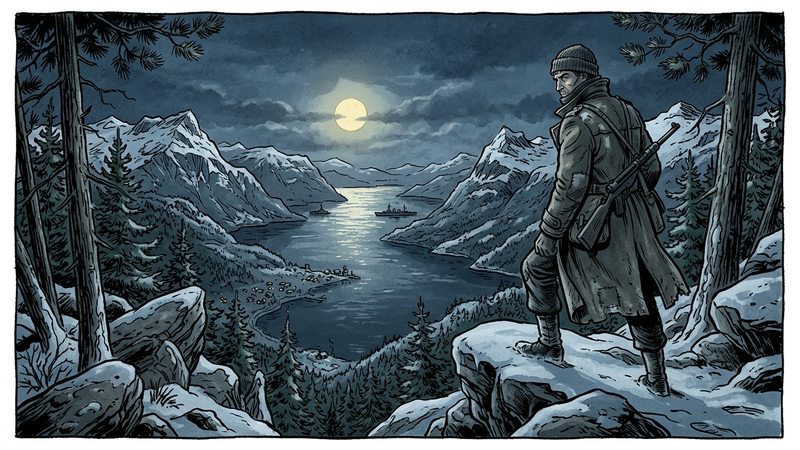
The Resistance: Occupied Norway (1940–1945)
A tactical, cinematic escape room on the Norwegian resistance: clandestine press, refugee rescue routes, heavy water sabotage, and final liberation.
Crack the codes, collaborate, and solve mysteries directly in your browser for classrooms and leisure.
Missions designed for grades 5–12 and high school. Students actively engage with source evaluation, historical events, reading comprehension, and problem-solving.
Classic escape room thrills for friends, lunch breaks, or teambuilding. No curriculum required – pure suspense, deduction, logical codes, and time travel.
🏛️ Social Studies & History Playable Now A tactical, cinematic escape room on the Norwegian resistance: clandestine press, refugee rescue routes, heavy water sabotage, and final liberation.
 🏛️ Social Studies & History Playable Now
A tactical, cinematic escape room on World War II. Follow an Allied infantryman from the Normandy beaches on D-Day to European liberation in 1945.
 🏛️ Social Studies & History Playable Now
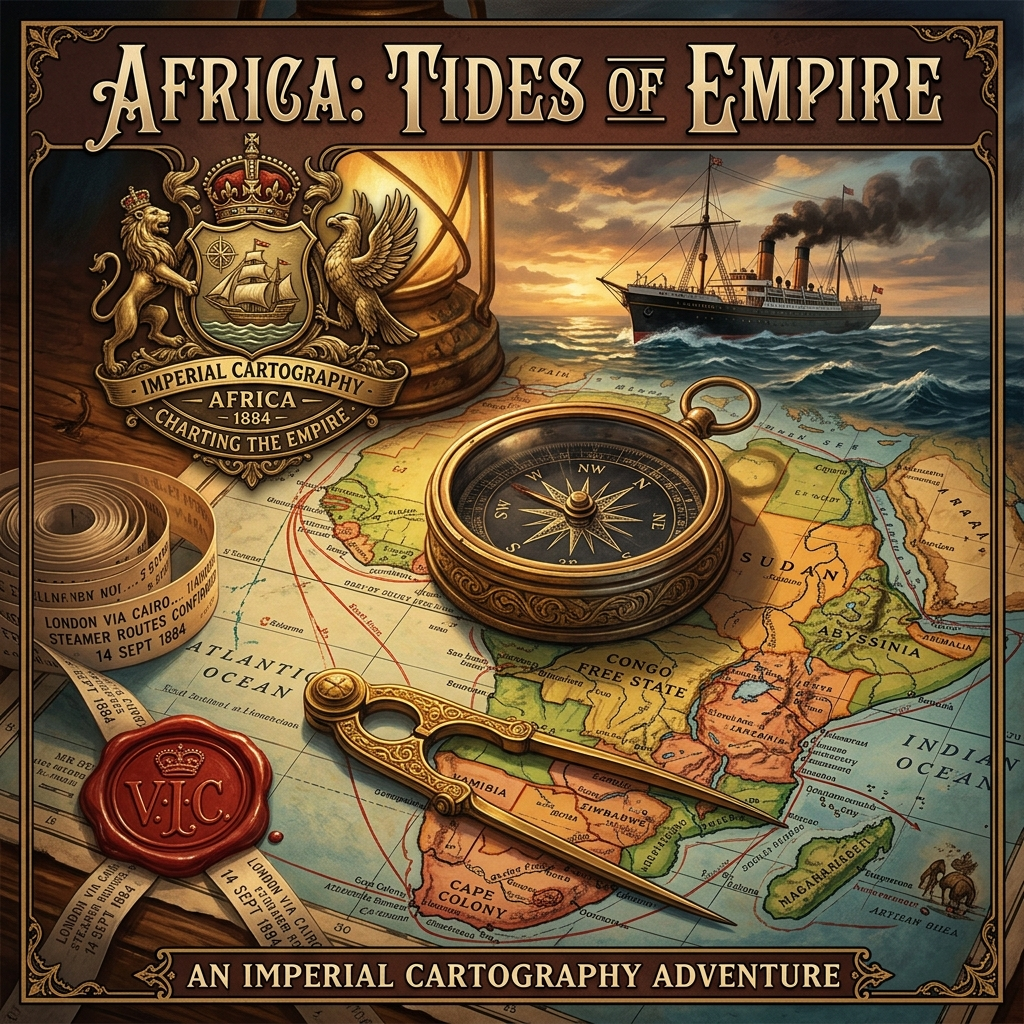
An epic mechanical and historical escape room on the Age of Imperialism (1870–1914), the Berlin Conference, the Suez Canal, and the scramble for resources.
 ✍️ Language Arts & Literature Playable Now
A magical folklore quest set in Theodor Kittelsen's enchanted universe. Help the Ash Lad solve riddles from the Three Billy Goats Gruff to the Mountain King.
 🕊️ Ethics & World Religions Playable Now
Secret of the Bodhi Tree: Join the novice Tenzin on an 8-room philosophical voyage through Buddha's life, the Four Noble Truths, the Eightfold Path, karma, and nirvana.
 🏛️ Social Studies & History Playable Now
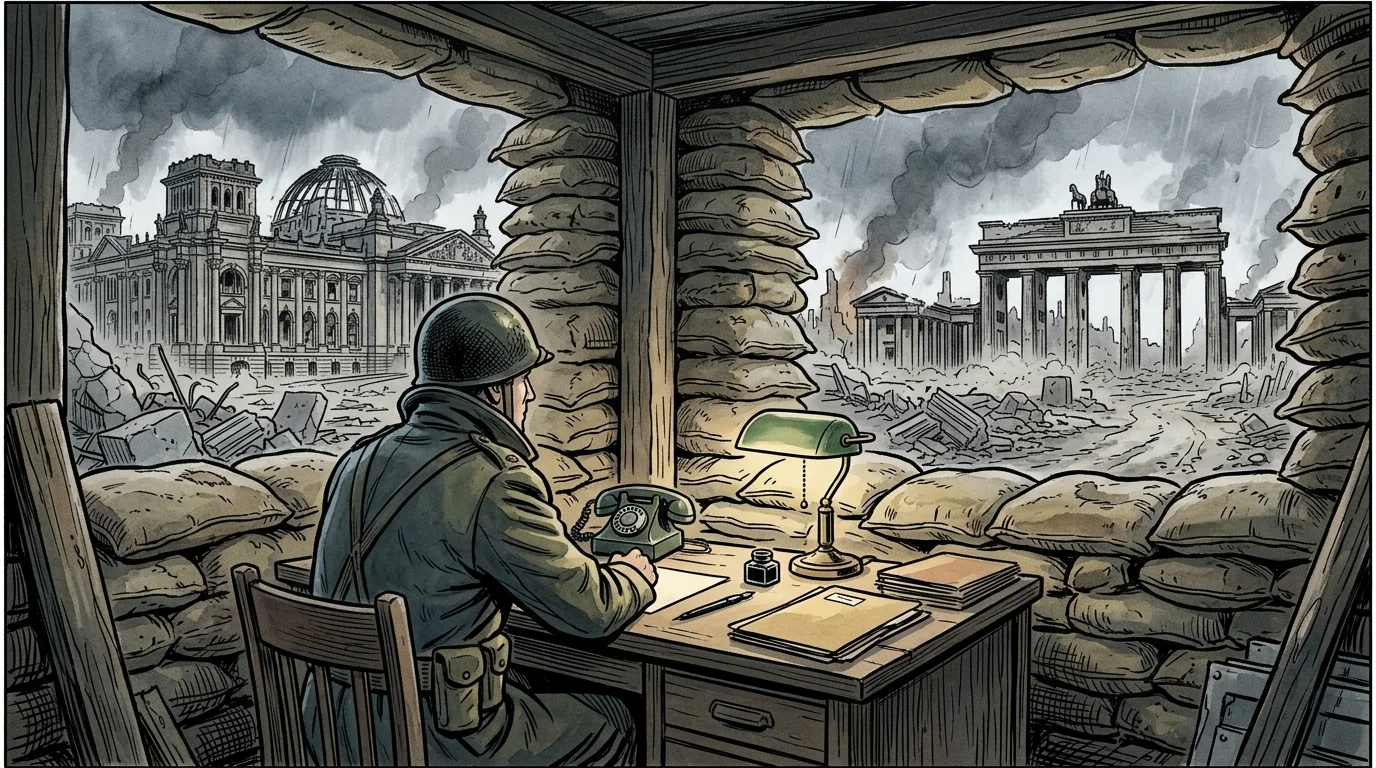
An espionage thriller spanning 44 years of Cold War history (1945–1989). Follow CIA veteran Agent Vance across 10 flashpoints from Berlin to Cuba, Vietnam, and Afghanistan.
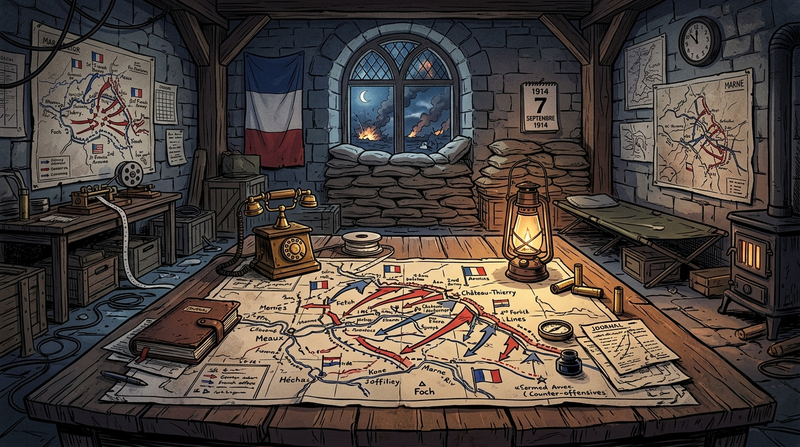 🏛️ Social Studies & History Playable Now
A historical escape room on World War I. Make critical strategic choices in the trenches of the Western Front based on authentic soldier dispatches.
 ✍️ Language Arts & Literature Playable Now
Master grammatical structures, parts of speech, rhetorical appeals, and objective source evaluation in an investigative newsroom mystery.
 🏛️ Social Studies & History
A cross-continental journey tracking clues from country to country, solving puzzles in culture, languages, and geography.
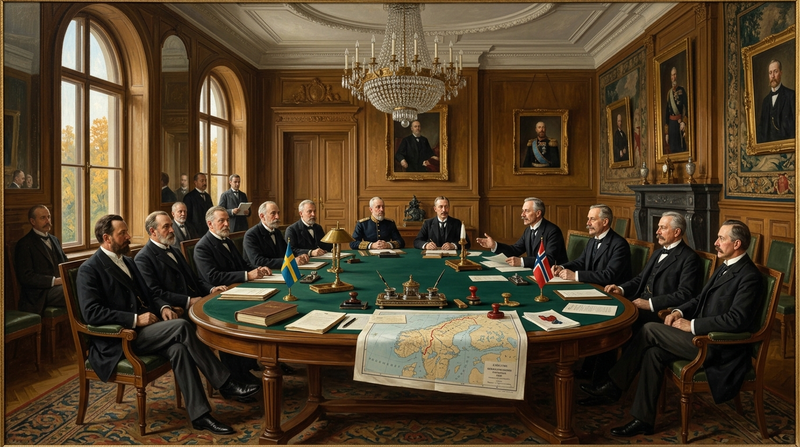 🏛️ Social Studies & History Playable Now
The struggle for sovereignty: The consulate crisis, the June 7 resolution, border mobilization, Karlstad peace talks, and the arrival of King Haakon VII.
WordViking's digital escape rooms are browser-based problem-solving missions engineered to ignite curiosity through active teamwork, code-breaking, deductive logic, and source analysis. No downloads, installations, or account logins required—everything runs seamlessly directly in your browser on PC, Mac, Chromebook, and tablet.
Our educational missions are designed for upper primary, middle, and high school across subjects such as history, social studies, world literature, ethics, and science. Students investigate authentic historical sources, scientific puzzles, and ethical dilemmas that promote deep learning and critical thinking.
Escape rooms work best when 2–4 players collaborate as a team. They share clues, debate hypotheses, and divide roles to crack digital combination locks before time runs out.
For friends, lunch breaks, or teambuilding, our casual rooms offer pure mystery without textbooks. Enjoy time travel, code locks, and detective puzzles.
We collect zero personal data from students or players, and the portal is 100% free of distracting ads or popups. Teachers can safely launch a mission in class without privacy concerns.
Our room catalog is continuously expanding with new topics and historical mysteries. Working in education and have ideas or requests for specific subjects or time periods? Feel free to reach out via our contact page!